
How to earn and use points
Customers who have not yet registered as members
You must register as a member to use points.
When you register as a member , you will be awarded points that you can use from your first purchase .
1. Set up your account to receive emails from us
If you are using a carrier email address, you will need to configure your email settings to receive emails from the following email addresses due to spam filters:
yukiwa.kimonoshop@gmail.com
| Mobile carrier | Email address example | Receiving settings link |
|---|---|---|
| Docomo | ~@docomo.ne.jp | docomo receiving settings |
| au | ~@ezweb.ne.jp, ~@au.com | au reception settings |
| SoftBank | ~@i.softbank.jp, ~@softbank.ne.jp | SoftBank receiving settings |
| Rakuten Mobile | ~@rakumail.jp | Rakuten Mobile receiving settings |
| UQ Mobile | ~@uqmobile.jp | UQ mobile receiving settings |
| Y!Mobile | ~@yahoo.ne.jp | Y mobile receiving settings |
2. Register as a member
Please access the membership registration page and enter the required information.
3. Earn points
①Click "Points" at the bottom left of the screen 


For registered members (How to use points)
- Click "Points" at the bottom left of the screen

- Click "Use points"

- Click "Use points" under "Use points to get great deals!"

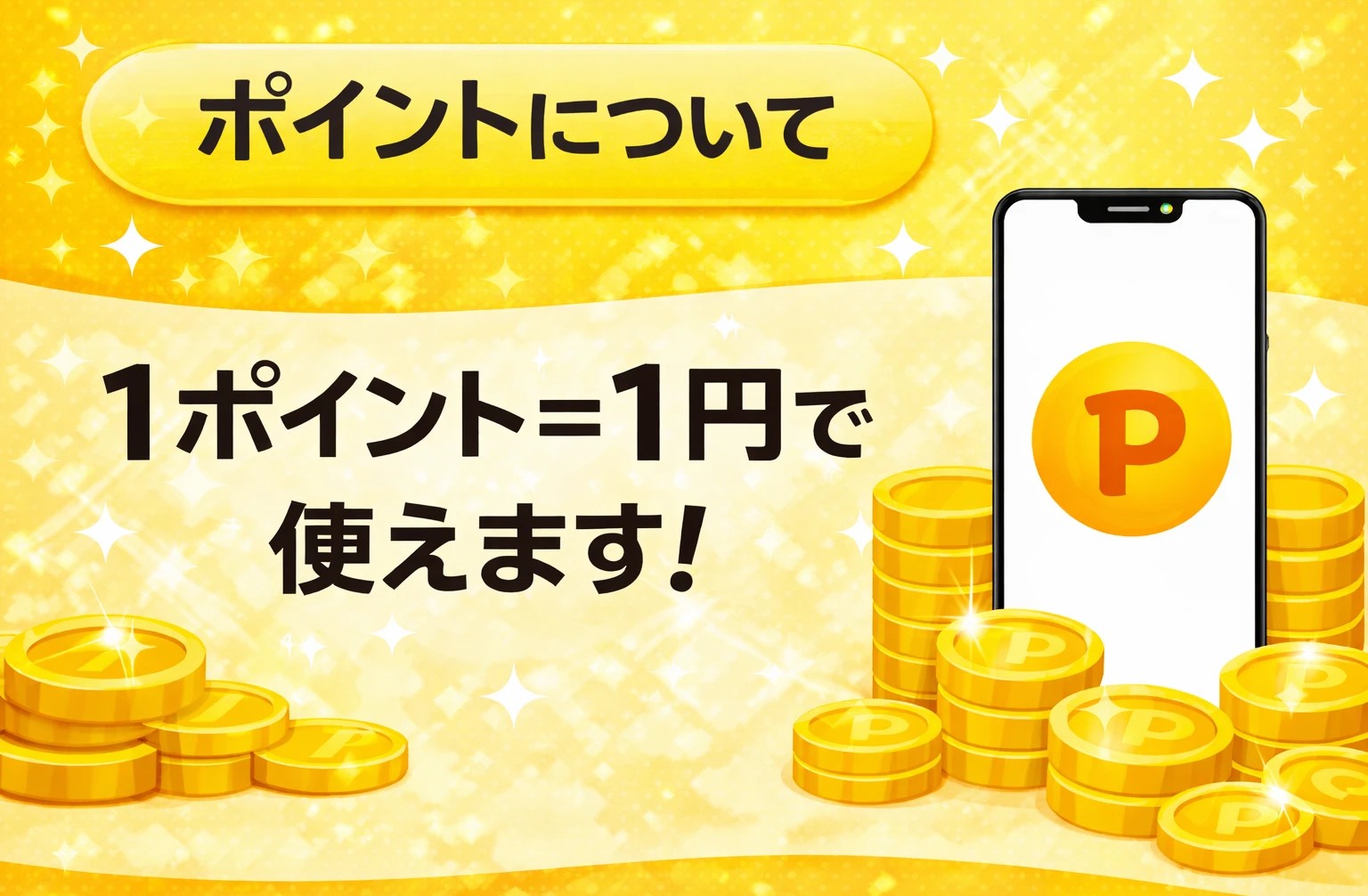
- The screen shown below will appear. Enter the amount of points you want to use (for example, if you have 1,000 points, enter the maximum amount of ¥1,000) and click "Use points."

- A coupon will be issued

- The coupon will be applied to your cart screen.

*If there is a difference in price due to the coupon, for example: If a product costs 1,980 yen and you use a 2,000 yen coupon, the difference of 20 yen will not be given as change. Thank you for your understanding.
If your points are not being credited properly, please contact us via the following:
- ▶ Contact form
- Phone: 075-341-0626